

Aqara u400 smart lock is one of the most talked-about smart home upgrades of 2026 for a reason: it delivers advanced security, next-gen biometrics, and unmatched connectivity for modern homes. In this detailed guide, you’ll get the real pros, cons, and actionable advice for anyone considering the Aqara U400 over the competition.
Key Takeaways
- The Aqara U400 smart lock delivers leading smart home integration, robust security, and one of the fastest DIY installs in its class.
- Its unmatched compatibility includes Matter, Thread, HomeKit, Google Home, Alexa, Samsung SmartThings, and even UWB hands-free Apple unlock.
- Potential buyers should consider requirements such as a Thread border router and plan for occasional app/firmware learning curve.
- What Makes the Aqara U400 Smart Lock Stand Out?
- Step-by-Step Installation & Setup Guide
- Advanced Analysis & Common Pitfalls
- Conclusion
- FAQ
What Makes the Aqara U400 Smart Lock Stand Out?
The Aqara U400 smart lock sets a new standard for home entry by combining next-level biometrics, multi-platform support, and a remarkably simple installation process. Unlike many smart locks that restrict users to one ecosystem (or require separate hubs for every digital assistant), the U400 supports Matter over Thread, Bluetooth 5.x, NFC, and industry-first UWB (Ultra Wideband) for hands-free unlocking with iPhone and Apple Watch.
Its core value lies in two major areas: full-spectrum compatibility and robust, layered security. The U400 works natively with Apple Home (including Home Key), Google Home, Alexa, Samsung SmartThings, and Home Assistant. Whether you’re already deep in smart home automation or just starting with future-proofing your entry, this lock is ready out of the box—though you’ll need a supported Thread border router (like Apple TV 4K) to unlock all smart features.
Security-wise, Aqara combines biometric fingerprint authentication—storing up to 50 fingerprints at a 98.6% recognition rate—with physical key backup, PIN codes (up to 75), an anti-peep keypad, IP65 protection against dust and water, and AES-128 encryption. The addition of advanced UWB on Apple means truly hands-free, direction- and intent-aware unlocking—not just passive presence detection.
Installers get a full hardware kit, battery longevity up to 6-7 months per charge (USB-C top-up in-place), easy rekeying, and BHMA-certified durability. It’s positioned among the top kitchen and home gadgets of the year, representing true innovation for busy families and tech-forward homes.
Curious about maximizing value in other smart gadgets? Check out our guides on the latest kitchen gadgets or our ranking of best kitchen gadgets of 2026.
Step-by-Step Installation & Setup Guide
- Check compatibility. The Aqara U400 fits standard single-cylinder deadbolts. Uninstall any old lock (keep your tools handy).
- Unbox and review. Inside you’ll find the mounting plate and strike plate, bolt/screw kit, detailed diagram, 2 keys, 2 batteries, a USB-C cable, and an accessory kit. Unlike some smart locks, nothing extra should be needed for standard doors.
- Mount the lock. Attach the mounting plate and strike plate with a Phillips screwdriver. Align the lock and secure with included screws. If your door is non-standard, minor drilling may be necessary—but most installs are under 10 minutes, according to Aqara’s official documentation.
- Install the battery. The rechargeable lithium-ion pack slots in easily. Plug in the 10cm USB-C cable for charging (full in 6 hours). Remove only for replacement, or charge in-place.
- Download and connect. Install the Aqara app (or your preferred Matter-compatible platform). Pair the lock via Bluetooth or Thread. For remote and scene control, ensure you have a Thread-enabled border router (HomePod mini, Apple TV 4K, or equivalent).
- Enroll biometrics and PINs. Add up to 50 fingerprints, 75 PIN codes (6-10 digits), and NFC/Aliro cards for access. Set up Apple Home Key, UWB hands-free unlocking for iPhone/Apple Watch, and voice controls via Alexa or Google Assistant.
- Test and fine-tune. Run through each unlocking method (PIN, biometric, app, key, NFC, UWB). Test the auto-lock—thanks to its gyro sensor, there’s no need for separate door contact sensors here.
Looking for other convenience-focused home upgrades? Explore touchless trash cans (they pair well with security-focused homes) and automatic jar openers for effortless kitchen access.
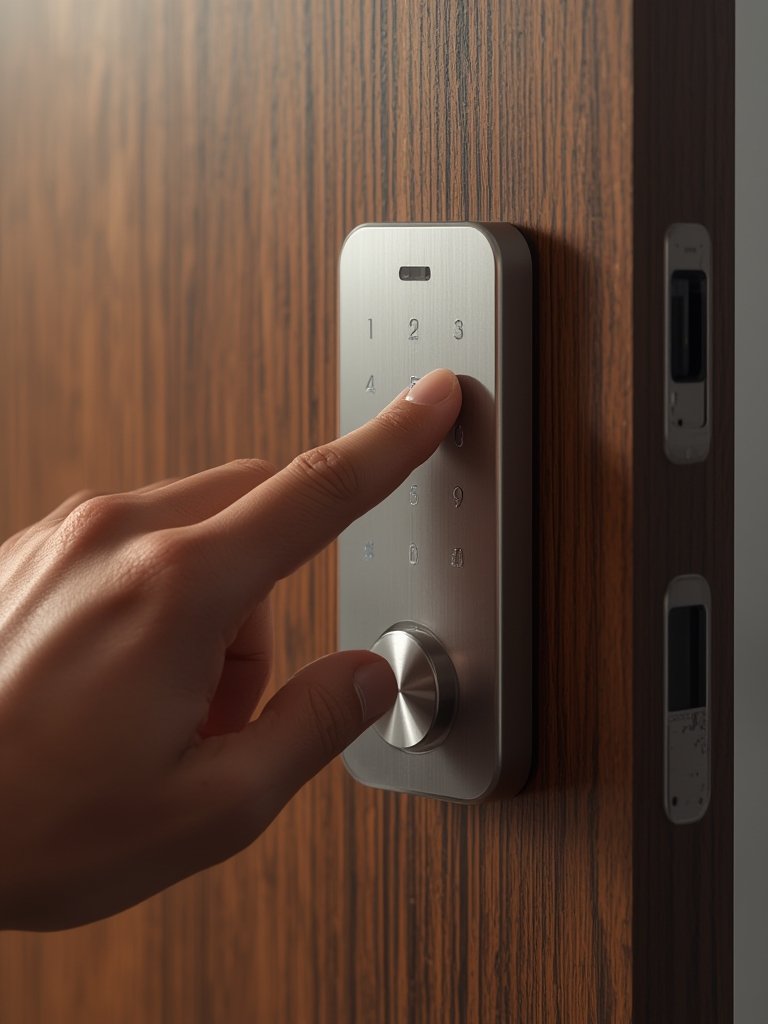
Time to install: Less than 10 minutes for experienced DIYers, usually under 20 minutes even for first-timers. No complicated wiring, server relays, or custom drilling required unless your door is outside standard specs.
If you’re searching for easy ways to simplify home technology setups, our smart kitchen gadgets guide shows similar quick wins for the rest of your space.
Advanced Analysis & Common Pitfalls
The Aqara U400 smart lock is feature-rich, but no device is completely perfect. Based on independent reviews and in-depth technical analysis, here’s what you should realistically consider when comparing it to top competitors like Yale, August, or Schlage.
| Feature | Aqara U400 | Yale Assure Lock 2 | August Wi-Fi Smart Lock | Schlage Encode Plus |
|---|---|---|---|---|
| Smart Home Support | Matter/Thread, HomeKit, Google, Alexa, SmartThings, UWB | HomeKit, Google, Alexa, Z-Wave, Thread, some Wi-Fi | HomeKit, Google, Alexa, Wi-Fi only | HomeKit, Google, Alexa, Thread, Wi-Fi |
| Battery Life | 6-7 months (USB-C rechargeable) | 3-6 months (AA) | 3-6 months (CR123A/AA) | 3-6 months (AA) |
| Biometric Unlock | Fingerprint, 0.3s, 98.6% accuracy, UWB | Fingerprint optional ($) | No | No |
| Physical Key | Yes, rekeyable | Yes | No (app only) | Yes |
| Certifications | BHMA, IP65 | BHMA, IP65/IP55 | BHMA | ANSI/BHMA, IP54 |
| User PINs, Fingerprints | 75 PINs, 50 fingerprints | 20-250 PINs (variant), fingerprint add-on | Unlimited users (app), no PIN, no fingerprint | Up to 100 PINs |
| DIY Install Ease | 10-20 min, no special tools | 15-30 min, screwdriver/drill for some | 15 min, screwdriver | 15-25 min, screwdriver |
Common Pitfalls & What to Watch:
- Firmware/Platform Learning Curve: Full feature setup can confuse less tech-savvy users, especially when mixing platforms (Matter, Aqara app, HomeKit, etc.). Always check compatibility before purchase.
- Thread Border Router Required: If you want instant remote control, automation, or UWB, you must have a Thread border router (e.g., HomePod mini, Apple TV 4K—otherwise, only basic functions work).
- Warranty & Price Unclear: There is no public US price or definitive warranty term as of this writing—most competitors give 1-2 years. Confirm before buying, especially if support is important to you.
- Potential Door Fit Issues: While the kit fits most US doors, some non-standard depths and pre-drilled holes may require minor drilling or additional tools outside the included set.
- Battery Estimate Realities: Real-world battery life can vary (reported at 6-8 months per charge). Heavy biometric/NFC/UWB usage may decrease longevity slightly.
- App Setup Hiccups: Most reviews and videos report little to no ongoing problems, though as with any new tech there’s a possibility of transient app bugs or firmware updates (no major failures or vulnerabilities found as of 2026).
Interestingly, several features are under-reported or missing from most reviews, such as the gyro sensor-based auto-lock (no contact sensor needed), Night Latch and Do Not Disturb modes, rekeyable lock design, and low-battery voice alerts. For more technical details, see Tom’s Guide’s full review and Aqara’s product page.
If you prefer smart upgrades with fewer app dependencies, see our apartment kitchen gadgets and essential kitchen gadgets lists for easy, low-friction tech.
Conclusion
The Aqara U400 smart lock is a bold entrant in the high-security, multi-platform smart lock category. Its strengths are clear: lightning-fast fingerprint unlock, powerful Apple/Google/Alexa compatibility, hands-free UWB intent-aware entry, and an install-anywhere design. Its only real limitations—current price/warranty visibility and learning curve for advanced setup—are worth weighing, but don’t outweigh the benefits for most households looking to seriously upgrade their entryway.
If you want the easiest way to get secure, next-gen access across your home devices, the aqara u400 smart lock deserves a top spot on your shortlist.
Ready for smarter security? Consult your platform requirements, measure your door, and consider adding the U400 for unmatched flexibility and technology. For more smart home and kitchen innovation, discover our comprehensive kitchen gadgets reviews.
FAQ
How long does the Aqara U400 smart lock battery last?
On a full charge, expect 6 to 7 months of typical use. Standby can be up to 8 months. Recharge via USB-C without removing the lock, and get notified at 20% remaining battery.
Does the Aqara U400 work with Google, Alexa, and Apple Home all at once?
Yes. The lock supports Matter over Thread, making it compatible with Google Home, Amazon Alexa, Apple Home (with Home Key/UWB), Samsung SmartThings, and Home Assistant—though a Thread border router is needed for some advanced features.
Is it hard to install, and do I need special tools?
No. Most users install in under 10–20 minutes with a basic Phillips screwdriver. Everything needed for standard US single-cylinder deadbolts is in the box. Rarely, some doors may require minor drilling.
Are there any common problems users report after launch?
No widely documented negatives exist as of mid-2026. Reviewers and retailers cite solid UWB, battery performance, and easy install. Always update firmware and double-check platform compatibility for trouble-free use.
What’s missing from most reviews of the Aqara U400 smart lock?
Features often skipped include details on the gyro sensor-based auto-lock (removes the need for a door sensor), low-battery audible alerts, full accessory kit, exact charge time, and Night Latch or Do Not Disturb customizations.